
>>_
$ Categories:
>_ What is Reconnaissance?
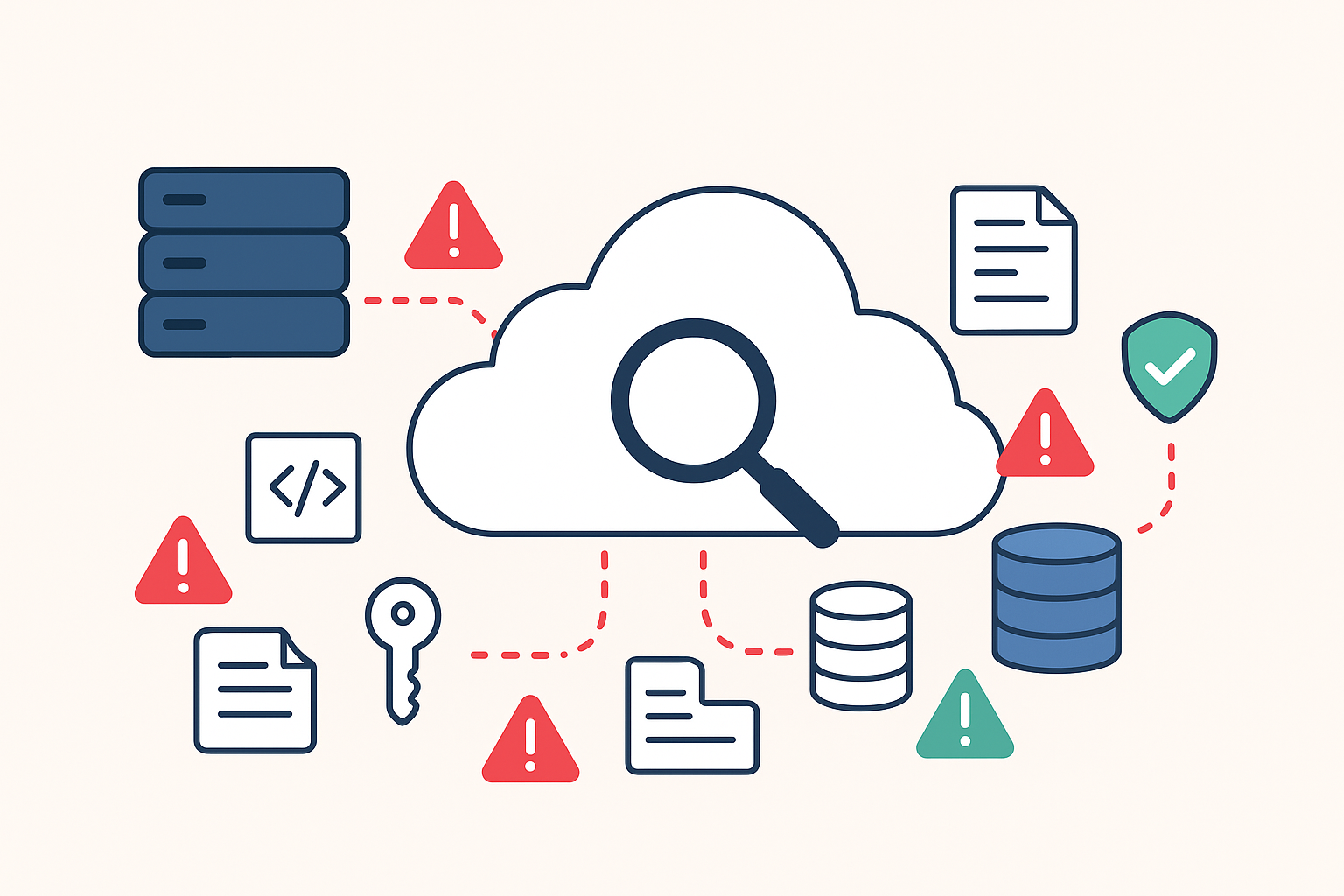
Reconnaissance is the process of actively or passively acquiring data about a target system, network, or organization. The goal is to build a comprehensive picture of the target's attack surface—every point where an unauthorized user could try to enter or extract data.
Recon can be broadly divided into two categories:
- Passive Reconnaissance: Gathering information without directly interacting with the target. This is safer and often involves searching public records, social media, search engine caches, and DNS records. Think of using Google or public databases.
- Active Reconnaissance: Directly interacting with the target's systems (e.g., pinging a host, port scanning, or crawling a website). While more direct, it also increases the chance of detection by the target's security systems.
The information gathered can include:
- IP addresses and network ranges.
- Domain names and subdomains
- Open ports and running services.
- Technology stacks (web servers, programming languages, CMS).
- Employee names, email addresses, and public documents.
>_ What is Subdomain Enumeration?
Subdomain enumeration is a specialized and highly critical form of reconnaissance focused on discovering all the subdomains associated with a main domain name. A subdomain is a domain that is part of a larger domain. For example, in $blog.pisigma.io$, $blog$ is the subdomain of the main domain $pisigma.io$.
Why is Subdomain Enumeration Critical?
Subdomains are often the "hidden gems" for security researchers. They are critical because:
-
Expanded Attack Surface: Organizations often focus security efforts on their main website ($www.target.com$). Older, forgotten, or less-maintained subdomains (e.g., $dev.target.com$, $staging.target.com$, $old-portal.target.com$) are frequently left with outdated software, default configurations, or known vulnerabilities. These "shadow IT" assets are low-hanging fruit.
-
Sensitive Information: Subdomains might host internal applications, unpatched development environments, or administrative interfaces that, if exposed, could contain valuable source code, configuration files, or user data.
-
Varying Security Postures: Different subdomains might be managed by different teams, leading to inconsistent security policies and making it easier to find a weak link to pivot from.
A successful recon effort starts with a massive list of functional subdomains, which you can then proceed to check for vulnerabilities.
>_ Essential Tools for Modern Reconnaissance
Modern recon involves chaining multiple, efficient command-line tools together. Below are some of the most effective tools for a thorough assessment, particularly for subdomain enumeration and initial endpoint analysis.
1. Subdomain Enumeration and Resolution
| Tool | Purpose | Usage Example |
|---|---|---|
| subfinder | Discovers valid subdomains using multiple passive methods (search engines, public APIs, etc.). | subfinder -d pisigma.io |
| assetfinder | Another fast, simple passive subdomain discovery tool, often used to complement subfinder for maximum coverage. |
assetfinder --subs-only pisigma.io |
| amass | A powerful and comprehensive tool that uses various techniques, including scraping, brute-forcing, and DNS record analysis, to discover subdomains and map network infrastructure. | amass enum -d pisigma.io -config /path/to/config.ini |
| puredns | A fast, reliable, and high-resolution domain resolver, used to validate the massive lists of subdomains generated by other tools or to perform fast brute-forcing. | puredns resolve raw_subdomains.txt -r resolvers.txt -o valid_subdomains.txt |
| dnsgen (Advanced) | A wordlist-based tool that takes a list of already found subdomains and generates permutations (e.g., adding common words, numbers, or cloud provider names) to uncover hidden hosts. | cat valid_subdomains.txt | dnsgen | puredns resolve -r resolvers.txt |
2. Filtering, Probing, and Feature Detection
| Tool | Purpose | Usage Example (Often Piped) |
|---|---|---|
| httpx | A fast and versatile HTTP client that probes domains for an active web server, extracts status codes, titles, technologies, and other key details. Crucial for filtering a subdomain list to only active websites. | subfinder -d target.com | httpx -status-code -tech-detect -title -web-server -ip |
| naabu | A rapid port scanner designed for scanning large lists of hosts. Quickly identifies open ports on discovered subdomains/IPs. | naabu -host pisigma.io -p 80,443,8080 -exclude-ports 21,22 |
| masscan | An extremely fast, asynchronous port scanner capable of scanning the entire Internet in minutes. Use for rapid, wide-range IP/CIDR port discovery before handing off to nmap or naabu. |
sudo masscan -p 80,443,21,22 192.168.0.0/16 --rate 10000 |
3. Deep Endpoint, Directory, and Vulnerability Analysis
| Tool | Purpose | Usage Example |
|---|---|---|
| nuclei | A powerful, template-based vulnerability scanner. Checks for a vast array of common vulnerabilities, misconfigurations, and technologies using community-driven templates. | nuclei -u https://pisigma.io -t technologies/ -t cves/ |
| gau (Get All URLs) | Fetches known URLs for a given domain from multiple public sources like AlienVault's OTX, Wayback Machine, and Common Crawl. Great for finding old, forgotten endpoints. | gau pisigma.io -subs (Also includes URLs from subdomains) |
| katana | A fast and comprehensive web crawler/spider that recursively crawls the target site to discover new links, endpoints, and hidden parameters. Excellent for finding juicy URL paths. | katana -jc -u https://pisigma.io -depth 3 -exclude-subs |
| dirsearch / gobuster | Directory and file brute-forcers. They test thousands of common directory/file names to find unlinked or hidden paths (e.g., $admin/$, $.git/$, $backup.zip$). | dirsearch: dirsearch -u target.com -w wordlist.txt -e php,jsp,js,txt |
| gobuster (Mode Options): | gobuster dir -u https://target.com -w common.txt -t 50 (Directory brute-force) |
|
| Virtual Host Enumeration | Used when a single IP hosts multiple web applications (vhosts). | gobuster vhost -u http://192.168.1.1 -w vhosts.txt -t 30 |
>_ Advanced Reconnaissance Techniques
Beyond automated tools, a complete recon phase involves manual and more creative methods:
1. GitHub Recon
Organizations often host code repositories on GitHub (or similar services like GitLab/Bitbucket). Developers sometimes mistakenly push internal configuration files, API keys, or hardcoded credentials to public or even private, but insecurely configured, repositories.
- Technique: Use targeted search queries to look for specific keywords associated with the target's domain, internal project names, or company-specific email addresses.
- Search Example:
org:target-company-name "api_key" OR "password"ortarget.com "internal" - Tool Option: TruffleHog: An automated tool specifically designed to recursively search through git repositories for high-entropy strings, which often indicate forgotten secrets (API keys, credentials).
2. Google Dorking (OSINT) 🔎
Google Dorking, also known as Google Hacking, uses advanced search operators (like site:, filetype:, inurl:) to find public but unintentionally exposed information. This is a critical OSINT (Open-Source Intelligence) method.
| Operator | Purpose | Example |
|---|---|---|
site: |
Restricts results to a specific domain or subdomain. | site:pisigma.io filetype:xls (Finds spreadsheets on the domain) |
intitle: |
Finds pages where the search term is in the HTML title. | site:pisigma.io intitle:"admin login" (Looks for admin pages) |
intext: |
Finds pages where the search term is in the body of the page. | site:pisigma.io intext:"powered by Jenkins" (Identifies technology) |
>_ The Power of Piping: A Comprehensive Recon Flow
The true efficiency of a bug hunter comes from chaining these tools together in a powerful, automated pipeline using the Linux pipe operator (|). This ensures that the massive output of one tool becomes the precise input for the next, filtering out noise and maximizing efficiency.
# 1. Passive Subdomain Enumeration (Subfinder + Assetfinder)
# 2. Sort and get unique domains
# 3. Resolve to check if the hosts are alive and check for common ports (httpx)
# 4. Save only the live, resolved URLs to a new file (Live_URLs.txt)

(subfinder -d pisigma.io; assetfinder pisigma.io) | sort -u | httpx -o live_urls.txt -silent -status-code
Next Level Flow (Deep Crawling):
# 1. Start with the live URLs discovered above (live_urls.txt)
# 2. Use GAU to fetch known historical URLs
# 3. Use Katana to actively crawl and find current URLs on live hosts
# 4. Combine GAU and Katana outputs, sort for unique links, and save the master list

cat live_urls.txt | while read url; do gau $url; katana -jc -u $url; done | sort -u > master_endpoints.txt
Reconnaissance is the art of preparation, and in cybersecurity, preparation is everything.